Hide Products by Quantity Automatically hide products
when their OpenCart quantity reaches 0 or below.
Hide Products from List Without Affecting SEO gives OpenCart store owners better control over product visibility without disabling or deleting products. The extension hides selected or unavailable products from normal storefront listings while keeping the actual product page active and accessible through its direct URL.
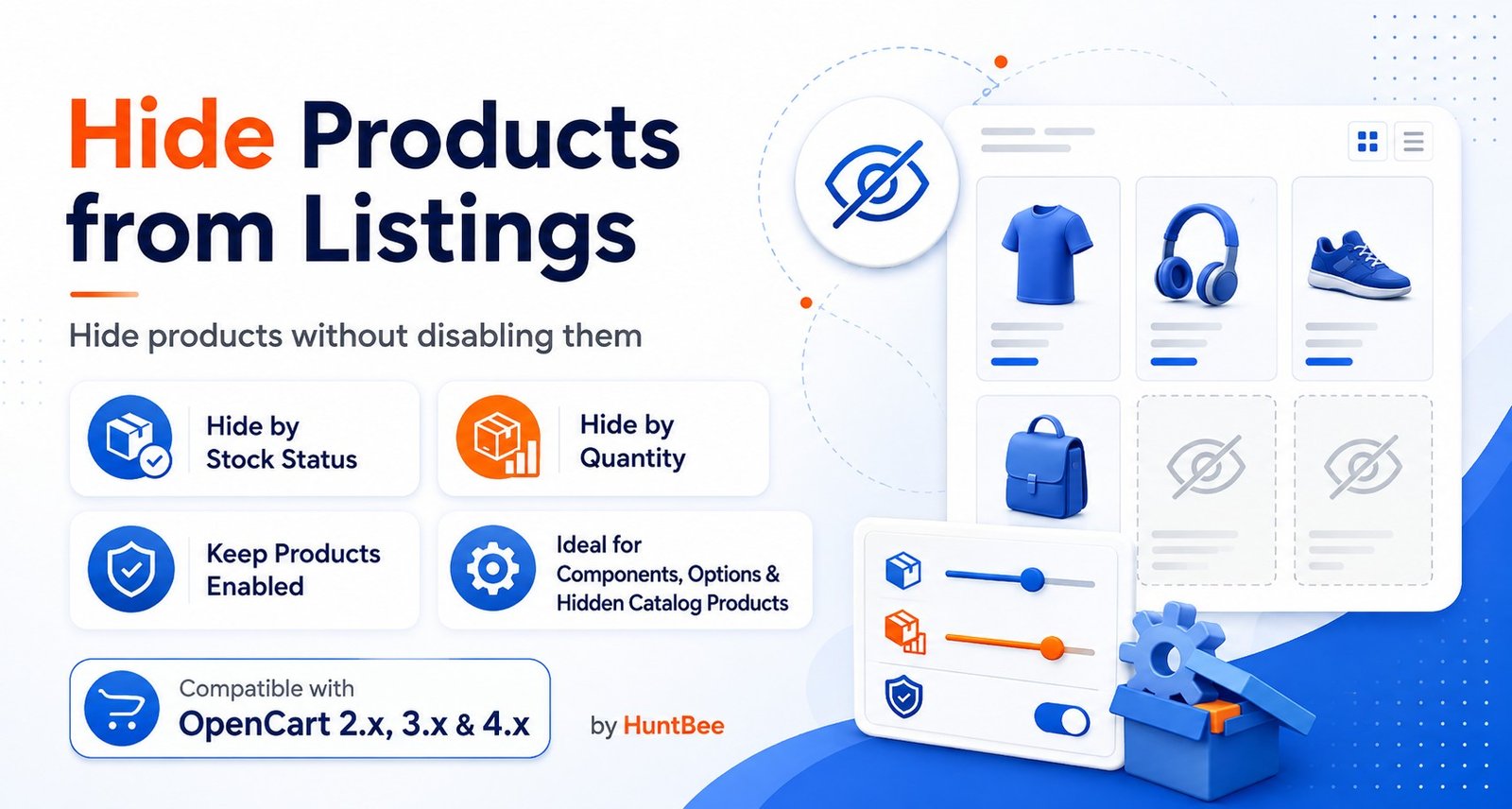
Hide Products from List Without Affecting SEO gives OpenCart store owners better control over product visibility without disabling or deleting products.
The extension hides selected or unavailable products from normal storefront listings while keeping the actual product page active and accessible through its direct URL.
This is especially useful when you want to clean up your storefront without unnecessarily removing existing product URLs from your website.
OpenCart normally treats an enabled product as a product that should appear throughout the storefront.
If a product is temporarily unavailable, used only as a component, or should no longer appear in normal listings, store owners often disable it completely.
Disabling or deleting the product can also make its existing URL unavailable.
when their OpenCart quantity reaches 0 or below.
or more OpenCart stock statuses and hide products assigned to those statuses.
should be controlled by Quantity or Stock Status.
remains enabled while the product is removed from normal storefront listings.
can still be opened through its direct OpenCart product URL.
appearing while customers browse categories.
normal OpenCart product search results.
from relevant manufacturer product listings.
unnecessarily appearing in special product listings.
excluded from normal related-product displays.
normal listings while allowing the product page to remain accessible through its existing URL.
URLs that may already be indexed by search engines or have backlinks.
products from filling category pages and product modules.
can focus on products that are currently relevant or available.
automatically according to quantity or stock status.
OpenCart and can still be used by other functionality that accesses them directly.
to retain quantity and inventory information.
Suitable for OpenCart stores, developers and agencies working with scenarios such as:
The purpose of this extension is to separate product availability in storefront listings from the actual OpenCart product status.
A product does not always need to be disabled simply because you do not want customers to see it while browsing.
For example, a product may need to remain enabled because it is: Used as part of another product Selected through a custom option system Required for inventory management Temporarily unavailable Receiving traffic from an existing search engine result Linked from an external website This extension allows the product to remain active while keeping it out of normal OpenCart product listings.
Out-of-Stock Products Remove products with zero quantity
from category and search listings without immediately disabling their pages.
Temporarily Unavailable Products Hide products that may
return to stock later while retaining their existing URLs.
Discontinued Products Keep an existing product page
available for search traffic or backlinks while preventing customers from finding it through normal browsing.
Component Products Hide bolts, fasteners, parts, accessories
or other products that are used inside kits but are not intended to be purchased separately.
Product Option Components Keep products available for
custom product-option systems while removing them from the normal catalog.
Bundle and Kit Products Maintain inventory for
individual components without displaying every component as a standalone product.
Seasonal Products Temporarily remove seasonal items from
normal OpenCart listings while keeping their product pages available.
The purpose of this extension is to separate product availability in storefront listings from the actual OpenCart product status. A product does not always need to be disabled simply because you do not want customers to see it while browsing.
This catalog includes the extension for OpenCart 3.x & 4.x. Check the official HuntBee product page for the exact supported minor versions before installation.
Purchases, downloads, licensing, updates and support are handled through the official HuntBee product page linked from this catalog.
Product details, purchases, downloads, licensing and support are handled through the official HuntBee website.