How can I use OpenCart Email Marketing Tools & Campaign Management to increase my store's sales?
The OpenCart Email Marketing Tools & Campaign Management extension helps increase sales by allowing you to create targeted marketing campaigns using dynamic email templates and scheduling. You can insert cross-selling products and track the performance of your campaigns with detailed analytics.
What features does the OpenCart Email Marketing Tools & Campaign Management extension offer for managing email campaigns?
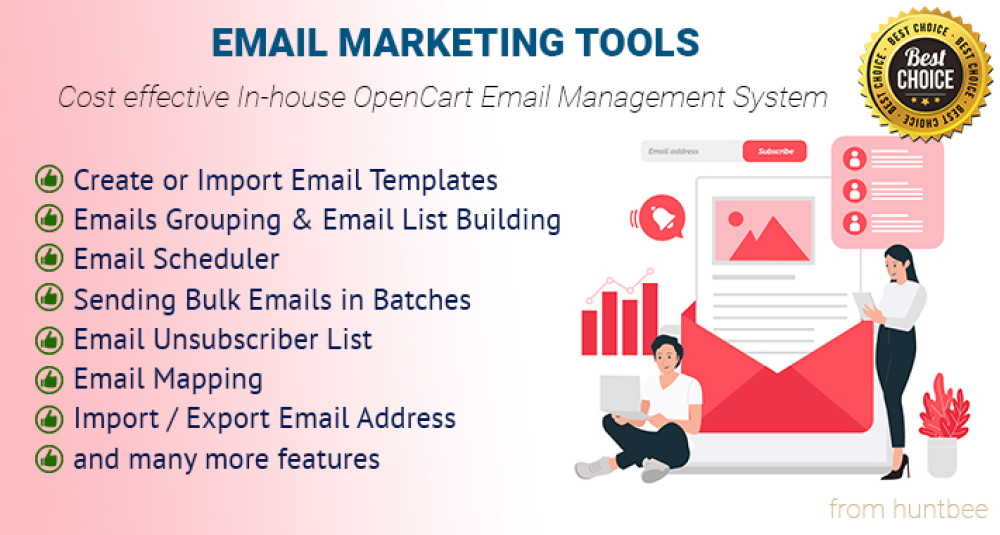
This extension offers features like a customizable email template designer, email groups management, detailed email performance tracking, and the ability to schedule emails. It also includes functionalities for managing unsubscribers and mapping emails to specific customer actions like registration or order confirmation.
How can I ensure my OpenCart store's marketing emails are not overwhelming the server?
The OpenCart Email Marketing Tools & Campaign Management extension includes a Cron Mode for sending bulk emails in batches. This feature helps in managing server load efficiently, ensuring smooth and uninterrupted email delivery.
Can I design custom email templates with the Email Marketing Tools & Campaign Management extension for OpenCart?
Yes, the extension provides a robust email template designer that allows you to create stunning HTML email templates with dynamic shortcodes, customize sender details, and even include attachments and cross-selling products dynamically.
Is there a way to track email engagement and performance in OpenCart?
Absolutely, the Email Marketing Tools & Campaign Management extension includes features like email sent logs, view tracking, and pie chart reports to help you understand how your campaigns are performing and engage customers more effectively.
How does the OpenCart extension handle unsubscribers to ensure compliance with email marketing laws?
The extension allows customers to unsubscribe from specific email types, managing compliance with marketing laws. You can view and manage the unsubscribers list and even import or export these lists for better email campaign management.
Can I automate email sending for specific events in my OpenCart store with the Email Marketing Tools & Campaign Management extension?
Yes, the extension lets you map custom email templates to various OpenCart system emails such as registration, order confirmation, and password reset, automating the process and enhancing customer communication.
What options do I have for importing email addresses into the OpenCart Email Marketing Tools & Campaign Management extension?
You can add email addresses manually, import them from any OpenCart database table, from purchased product history, or through a CSV file upload. The extension also provides features for duplicate removal and email validation.
Can I schedule recurring emails with the OpenCart Email Marketing Tools & Campaign Management extension?
Yes, the email planner feature allows you to schedule one-time or recurring emails (daily, weekly, monthly) using CRON job-based scheduling to ensure timely delivery without overloading your server.
How does the OpenCart Email Marketing Tools & Campaign Management extension help in reducing email marketing costs?
By integrating powerful email campaign management tools directly within your OpenCart store, this extension eliminates the need for costly third-party email services, enabling you to manage campaigns more effectively and economically.
What are the benefits of using dynamic shortcodes in email templates on OpenCart?
Dynamic shortcodes in email templates allow you to personalize emails automatically with customer-specific data, enhancing engagement and making your communications more relevant and effective.
How can I manage large volumes of email contacts efficiently in OpenCart?
The Email Marketing Tools & Campaign Management extension includes features for creating email groups, managing subscriptions, and moving or copying email addresses between groups, facilitating efficient contact management.
What kind of statistical data can I obtain from the OpenCart Email Marketing Tools & Campaign Management extension?
The extension provides detailed statistics on email performance, including sent logs, view tracking, and comprehensive pie chart reports. This data helps you optimize your email marketing strategies based on actual customer engagement.
Can the OpenCart Email Marketing Tools & Campaign Management extension help in customer retention?
Yes, by enabling targeted and personalized email campaigns, scheduling regular communications, and offering the ability to respond to customer actions with specific emails, this extension can significantly enhance customer retention.
How can I improve customer engagement through emails using OpenCart?
Utilize the Email Marketing Tools & Campaign Management extension to design engaging and personalized emails, schedule them appropriately, and track customer interactions to refine your strategies and boost engagement.